
What do I do when I see the Bitlocker Recovery Screen?
You probably recognize this screen, if not a screenshot is below. This is what to do when you see the Bitlocker Recovery Screen!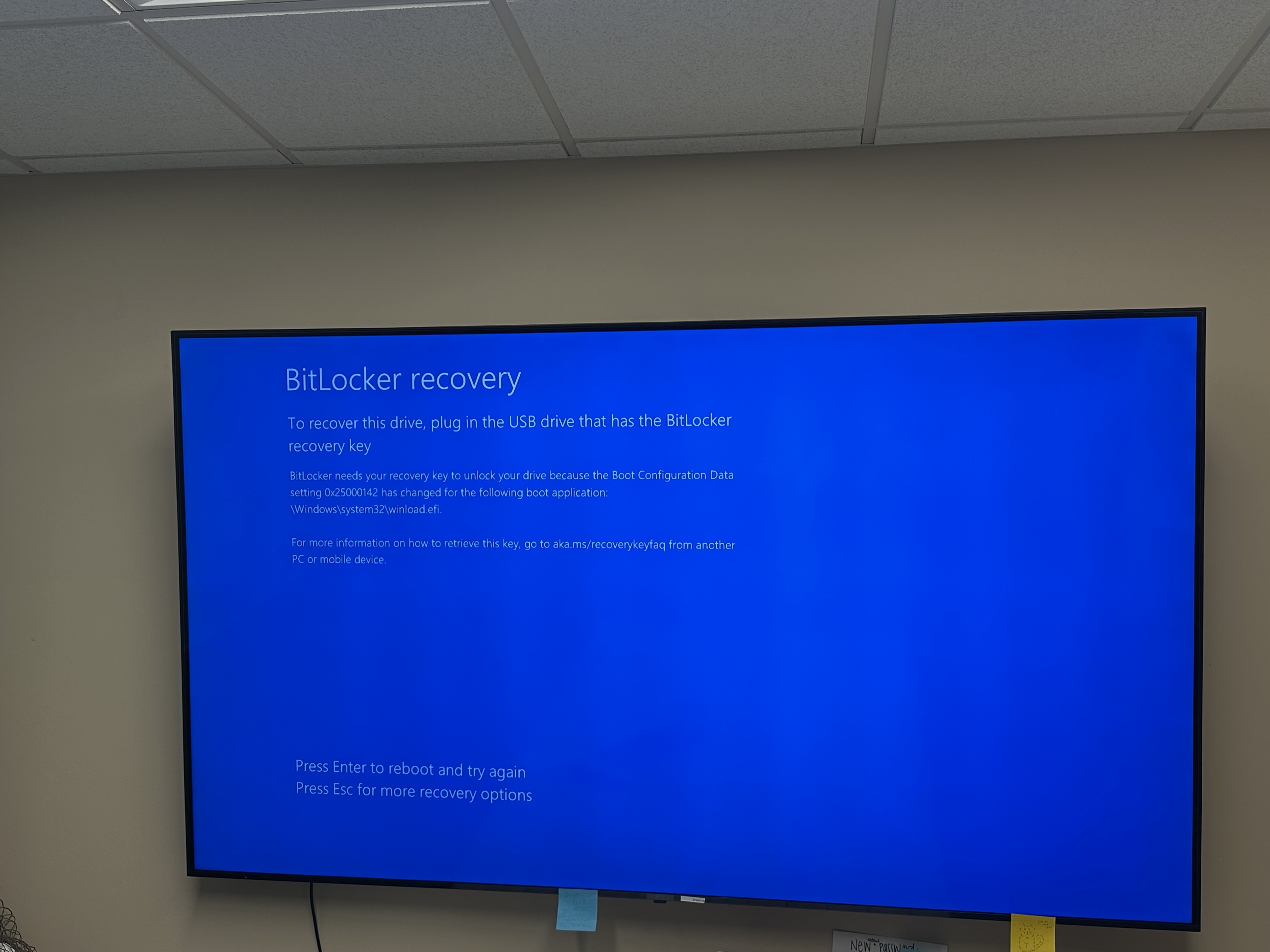
Bitlocker Recovery Key Entry Guide
When you see the blue "Bitlocker recovery" screen:
Step 1: Press Esc to open more recovery options
Step 2: Select "Enter recovery key" or "Type the recovery key"
Step 3: Enter your 48-digit recovery key when prompted. The key looks like this: XXXXXX-XXXXXX-XXXXXX-XXXXXX-XXXXXX-XXXXXX-XXXXXX-XXXXXX
Step 4: Press Enter to unlock the drive and continue booting
To get your recovery key:
Contact IT support. We have your recovery key on file.